
How Liquid Damage Corrodes Electronics (And What to Do in the First Hour)
Liquid bridges circuits and corrosion spreads under ICs. Learn why rice does not work, what immediate steps help, and how professional cleaning saves devices.

PixelNation Repair Team
PixelNation · Emporia, Kansas
Spilling liquid on a phone or laptop starts a clock. What happens in the first hour often determines whether the device is a quick clean or a board-level rebuild.
What to Do in the First Hour
- Power off immediately—do not charge
- Disconnect battery if safe and you know how
- Do not heat with a hair dryer (drives liquid deeper)
- Bring the device for cleaning as soon as possible
Corrosion does not stop when the screen goes black—it accelerates while current can still flow through wet traces.
Professional Cleaning vs DIY
Shops with board experience disassemble to the board, clean under shields, measure shorts, and replace corroded components. Consumer 'water damage kits' rarely reach failed areas under ICs.
Need hands-on repair help?
PixelNation provides diagnostics, board-level repair, and data recovery in Emporia, Kansas.
People also ask
what does water do to a phone motherboard
Liquid damage corrodes electronics because water (and especially sugary or salty drinks) conducts current across pins that should be isolated, then leaves mineral deposits that eat copper traces and vias—corrosion can spread for days under chips even after the outside feels dry.
Does putting my phone in rice help?
Rice does not remove corrosion and may leave dust in ports. Power off, do not charge, and seek professional ultrasonic or board cleaning—speed matters more than desiccants.
Can corrosion be reversed?
Early cleaning stops spread. Advanced corrosion may require trace repair or IC replacement. Waiting weeks usually worsens outcomes.
Is water damage worse than soda or coffee?
Sugary and acidic liquids leave more residue and are generally more aggressive than clean water—still treat all spills urgently.
Frequently asked questions
Rice does not remove corrosion and may leave dust in ports. Power off, do not charge, and seek professional ultrasonic or board cleaning—speed matters more than desiccants.
Early cleaning stops spread. Advanced corrosion may require trace repair or IC replacement. Waiting weeks usually worsens outcomes.
Sugary and acidic liquids leave more residue and are generally more aggressive than clean water—still treat all spills urgently.
Continue reading
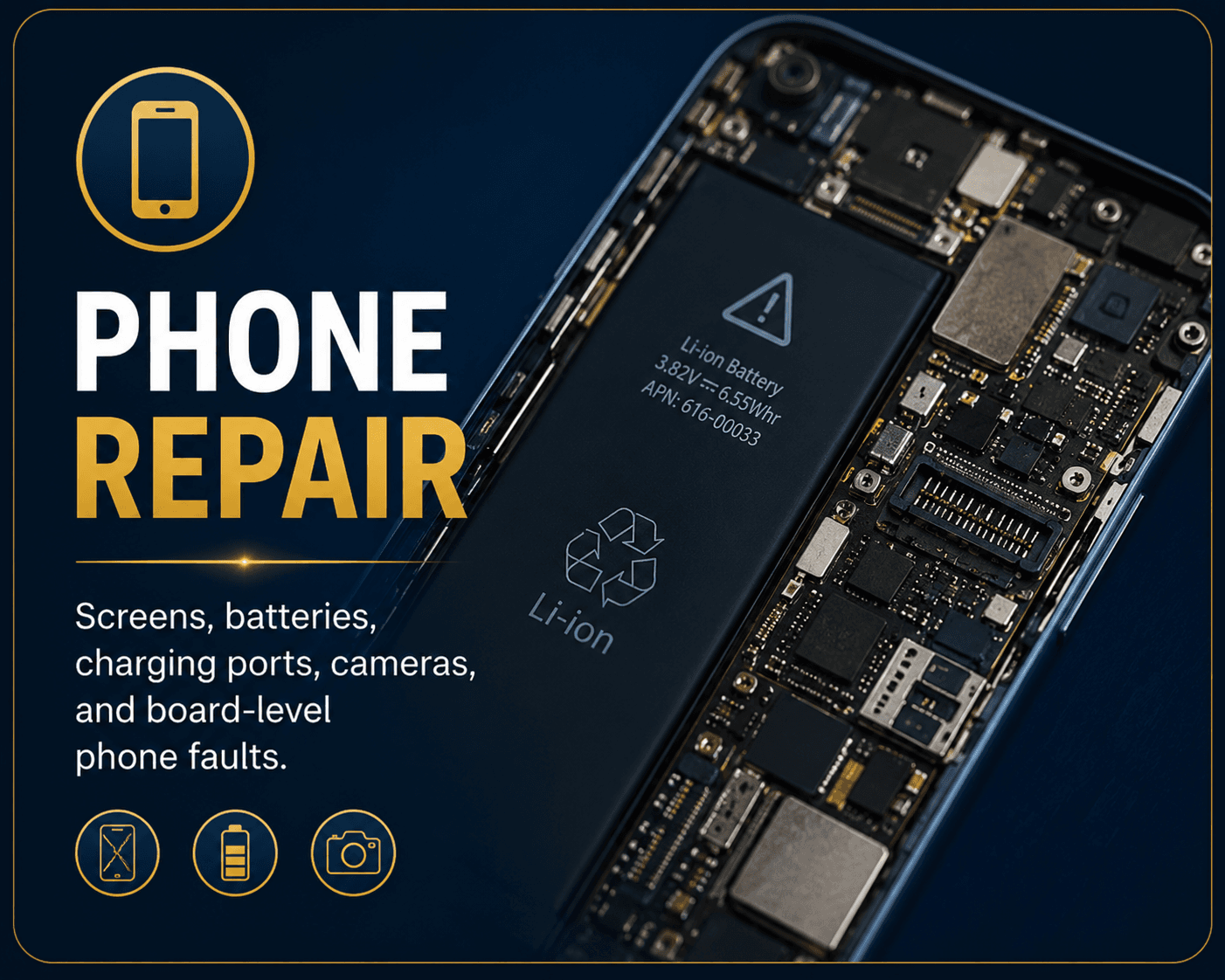
What Causes Charging Port Failure? (Port, Cable, or Board IC)
A loose or dead charging port is not always the port itself—failed Tristar/PMIC circuits and liquid damage mimic port symptoms on phones and laptops.
Read guide
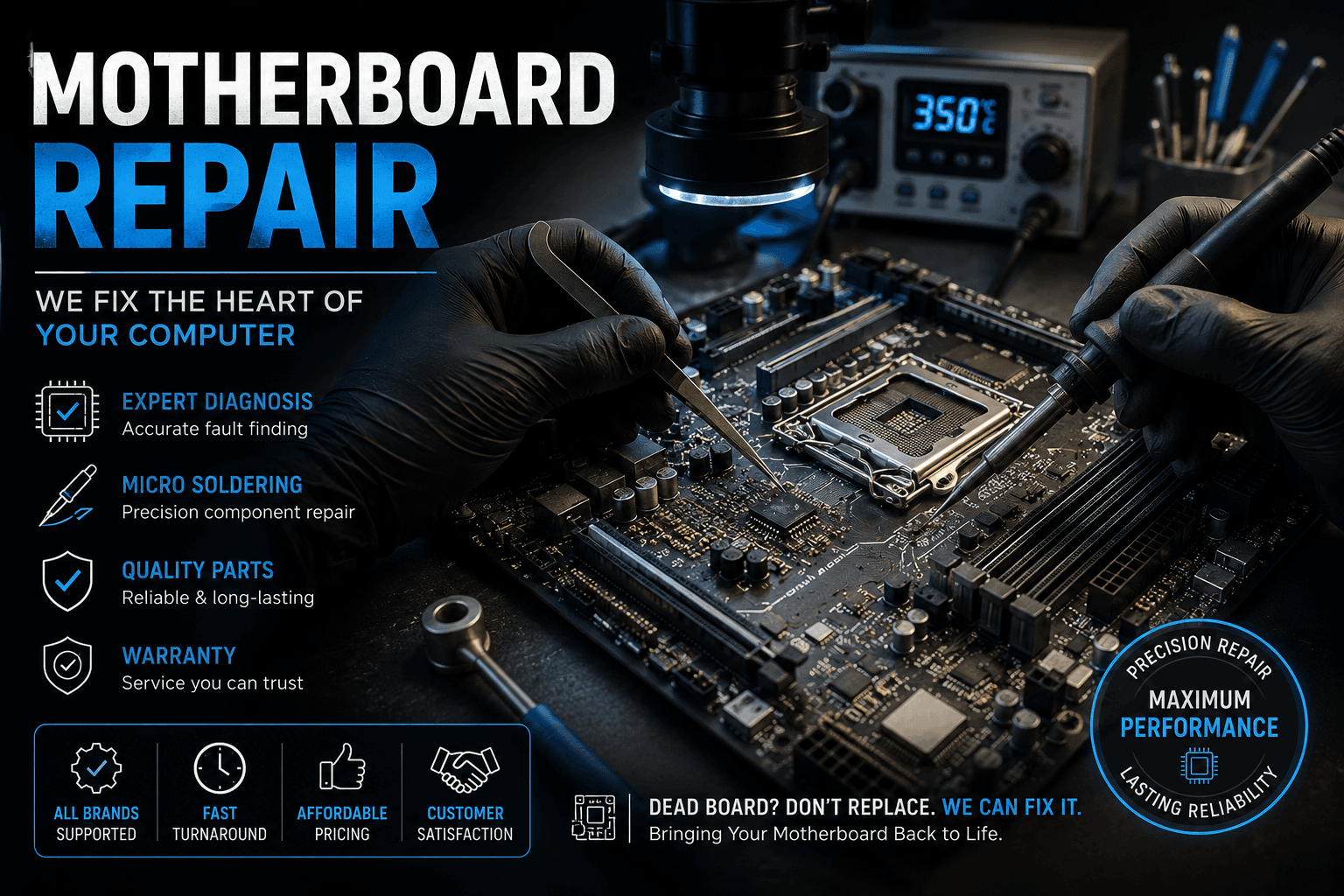
7 Signs Your Phone Has Board Damage (Not Just a Bad Battery)
When a new battery or screen does not fix your phone, the logic board may have power rail damage, a failed charging IC, or corrosion from liquid.
Read guide

Common Causes of Laptop No Display (Black Screen But Fans Spin)
A laptop that powers on with fans but shows a black screen can fail at the RAM, display assembly, GPU, or motherboard power stage—each with different repair paths.
Read guide